
Anonymous Video Chat: How It Actually Works
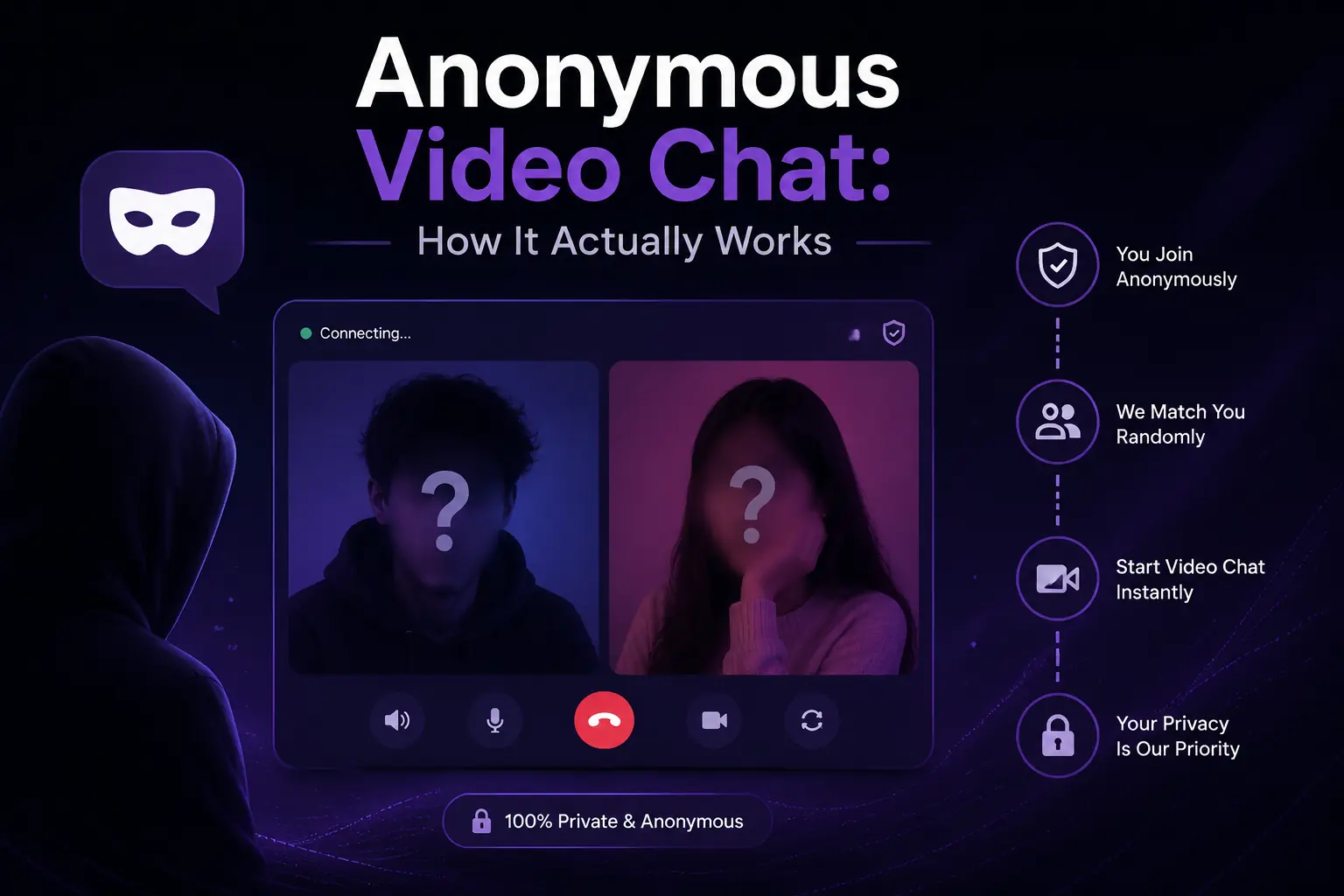
"Anonymous video chat" is one of those phrases that means different things to different people. To some, it means nobody knows their name. To others, it means total invisibility — which, if we're being honest, isn't what video chat offers, since your face is right there on camera.
This post explains exactly how anonymity works on a random chat platform like Freezy's anonymous chat: what "anonymous" really covers, what stays private, where the limits are, and how to keep yourself as private as you want to be.
What "anonymous" means in random chat
In the context of random video chat, anonymous means three specific things:
- No account required. You don't create a profile, verify an email, or hand over a phone number to start chatting.
- No name attached. The stranger you're matched with doesn't see a username, real name, or any identifier unless you choose to tell them.
- No public profile. There's no page someone can visit later to look you up, browse your photos, or trace your activity.
In other words: you're anonymous to the people you meet. Each conversation starts from zero. When you skip to the next person, the previous stranger has no way to find you again, follow you, or dig through your history — because there is no history to dig through.
How guest mode works
When you open Freezy and start chatting without an account, you're in guest mode. Here's what happens under the hood, in plain terms:
- Your browser gets a temporary session — not tied to an email, name, or profile.
- You're matched with another person who is also just a temporary session on the other end.
- You see each other's video and chat. Neither side sees a name, location details, or contact info.
- When the chat ends, the connection is gone. Neither of you can re-open it.
Guest mode isn't a stripped-down demo, either. On Freezy it includes full no sign-up video chat, voice, and text — the same core experience account holders get.
What stays private
The things a stranger never sees during an anonymous chat:
- Your name, email, or phone number — the platform doesn't have them to share.
- Your exact location. Matching doesn't reveal your address or GPS coordinates to the other person.
- Your social media accounts, unless you mention them yourself.
- Any past conversations. There's no visible history connecting you to earlier chats.
The honest limits of anonymity
Here's the part a lot of chat sites gloss over, and we won't: anonymity in video chat has real limits, and you should know them before you press start.
- Your face is visible. This is video chat. If someone recognizes you — a classmate, a coworker — anonymity doesn't help. If that matters to you, angle the camera differently or use voice or text mode.
- Anything you say out loud is yours to protect. The platform can't stop you from telling a stranger your full name, school, or neighborhood. Most anonymity failures are self-inflicted.
- Screens can be recorded. There's no technology that prevents the person on the other end from recording their own screen. Behave as if anything on camera could be saved.
- "Anonymous to other users" isn't "anonymous to the internet." Like every website, the platform sees your IP address as part of how connections work. What matters is what a service does with it — check the privacy policy of any chat site you use.
How to stay anonymous: practical tips
- Don't share identifying details. First name is usually fine; full name, school, employer, and street are not.
- Watch your background. A visible street sign, school logo, or piece of mail on camera can reveal more than anything you say.
- Keep socials out of it early. If a conversation is genuinely great, you can always exchange handles later — you can't take them back once shared.
- Skip and report freely. If someone pressures you for personal information, that's a signal, not a request. Move on. Our safe chat guidelines cover this in more depth.
- Trust your instincts over politeness. You owe a stranger nothing. Ending a chat isn't rude; it's the whole design of the format.
When to use text chat instead
Sometimes the right answer isn't better video hygiene — it's no video at all. Text chat is the most anonymous mode available: no face, no voice, no background. It's a good fit when:
- You want conversation without showing your face at all.
- You're somewhere you can't talk out loud — a library, a commute, a shared room.
- You'd rather get a feel for someone before deciding whether to move to voice or video.
On Freezy you can start in text and stay there as long as you like. There's no pressure to turn on the camera.
The bottom line
Anonymous video chat is real, but it's a specific kind of anonymity: no account, no name, no profile, no trail between conversations. What it can't do is hide your face on camera or protect details you volunteer. Understand that split, follow a few simple habits, and you get the best of both — genuine spontaneous conversations with strangers, without leaving a personal footprint behind.
Chat anonymously — no account needed
Open Freezy and start an anonymous video, voice, or text chat in seconds. No email, no profile, no trail.
Start Anonymous Chat